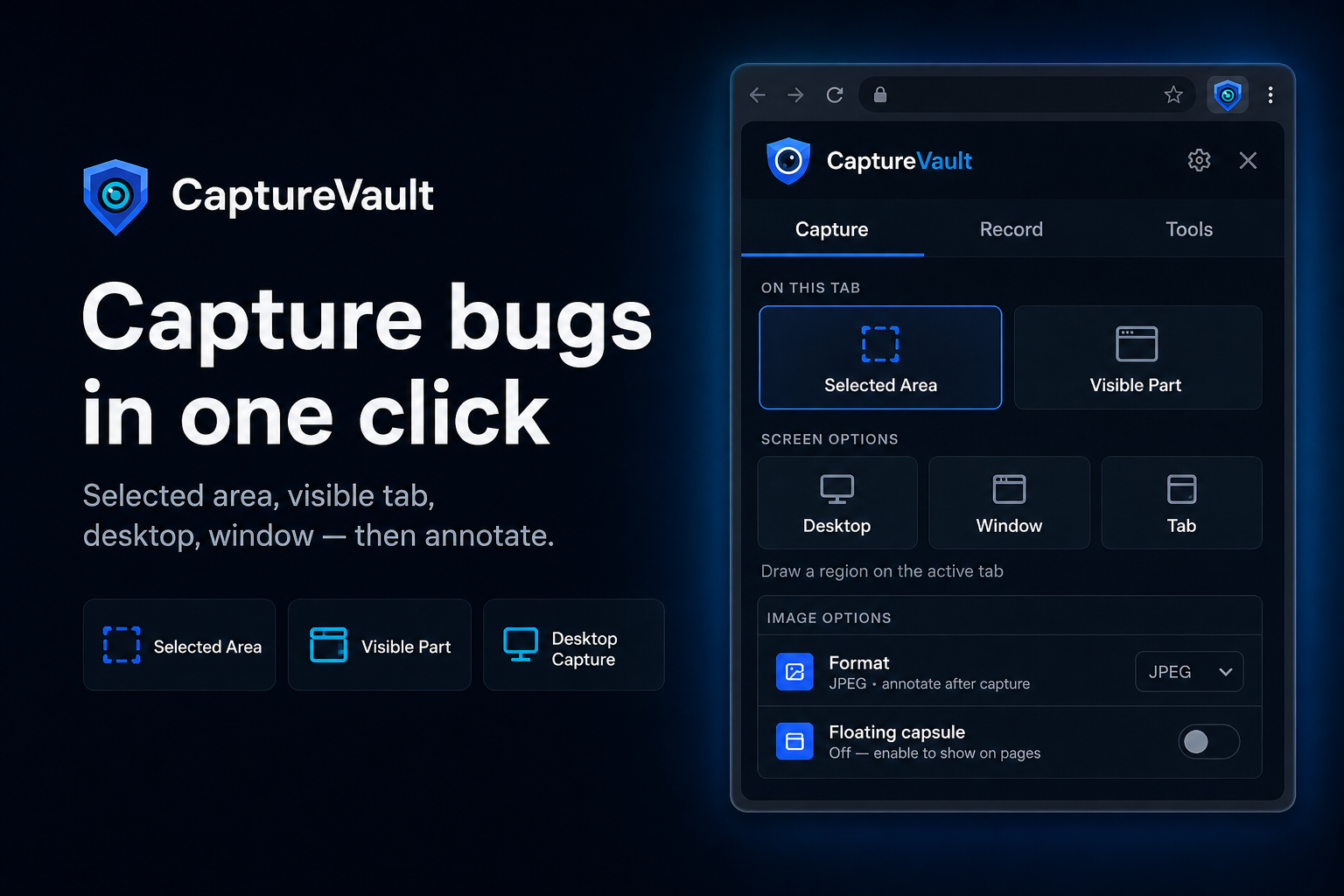
Capture bugs in one click
Grab a selected area, the visible tab, or the full desktop. CaptureVault opens straight into annotate so context never gets lost.
CaptureVault helps you capture screenshots and recordings, annotate with ease, AI-fill your report fields, and send to Drive, Sheets, GitHub, or Jira in a few clicks.




4.9/5 from early users
CaptureVault
Screenshot ready
Checkout
Submit to
Title
Priority
CaptureVault
Capture bugs. Log them with AI.
On this tab
Screen options
How to use
Short walkthroughs for capture, record, AI fill, and shipping the report to Sheets, GitHub, or Jira.
Capture, annotate, AI-fill, and ship reports to the tools your team already uses — without leaving Chrome.
Grab a selected area, the visible tab, or the full desktop. CaptureVault opens straight into annotate so context never gets lost.
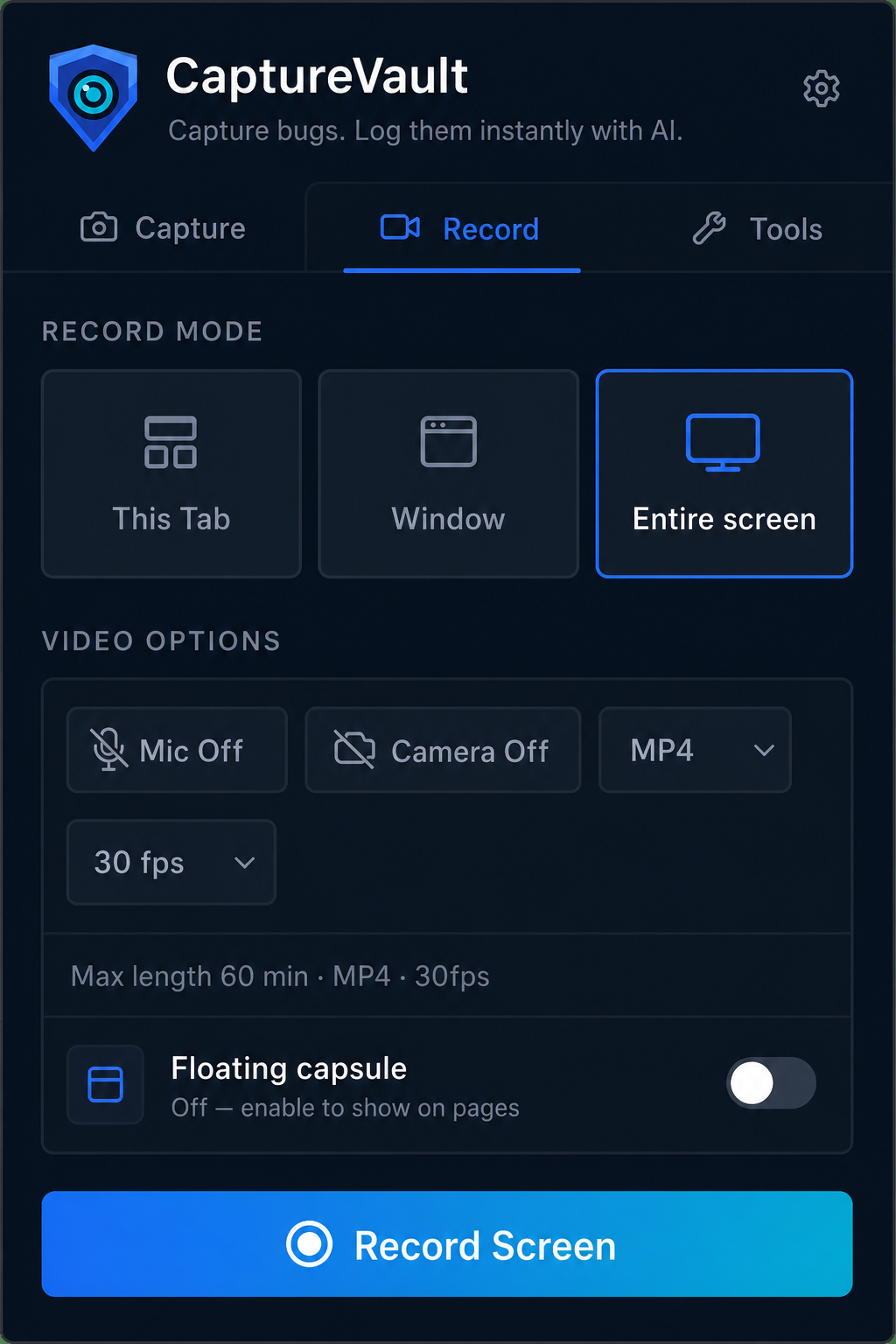
Record a tab, window, or entire screen with optional mic and webcam — perfect for reproducing tricky bugs.
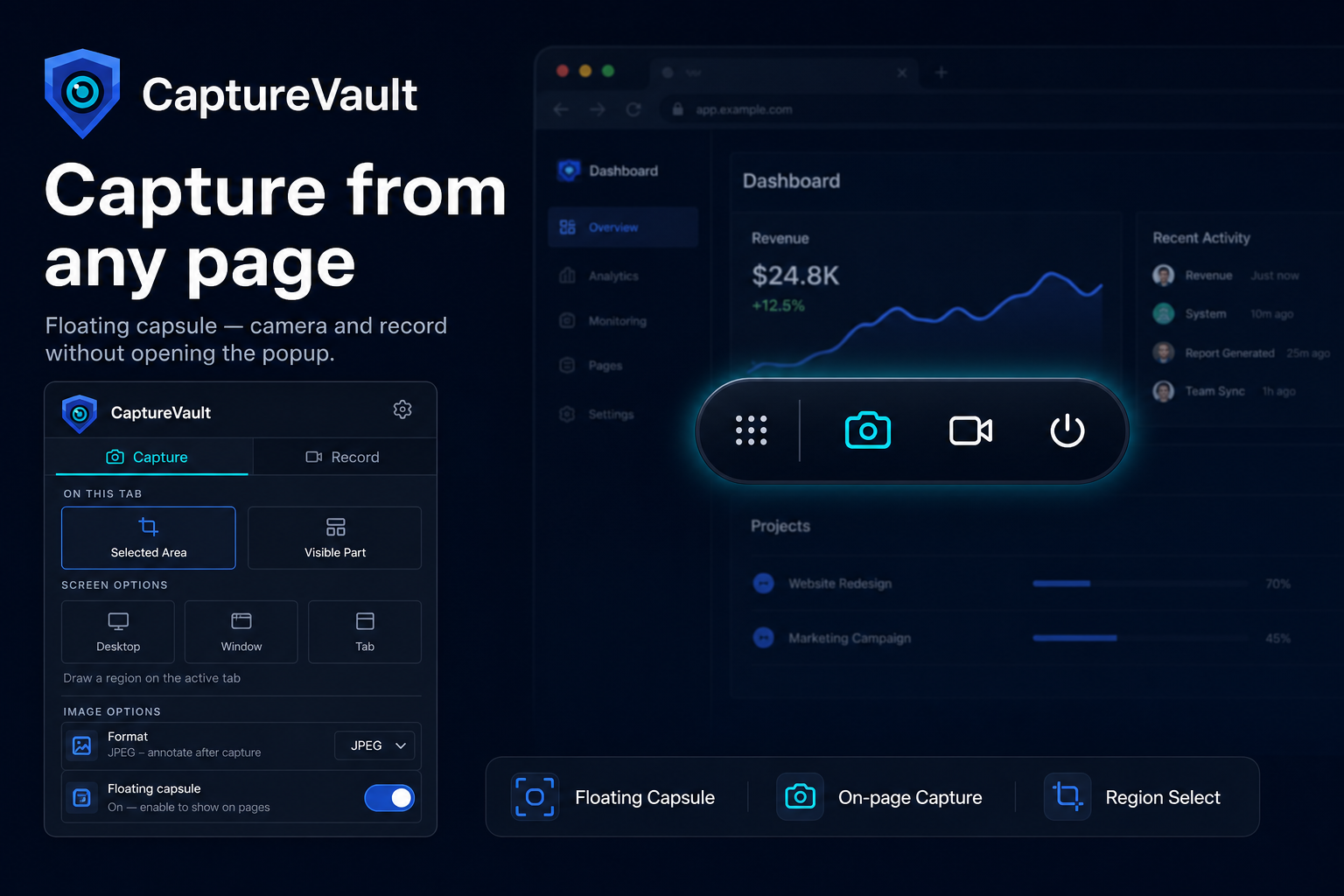
Turn on the floating capsule to shoot screenshots or start recordings without opening the popup.
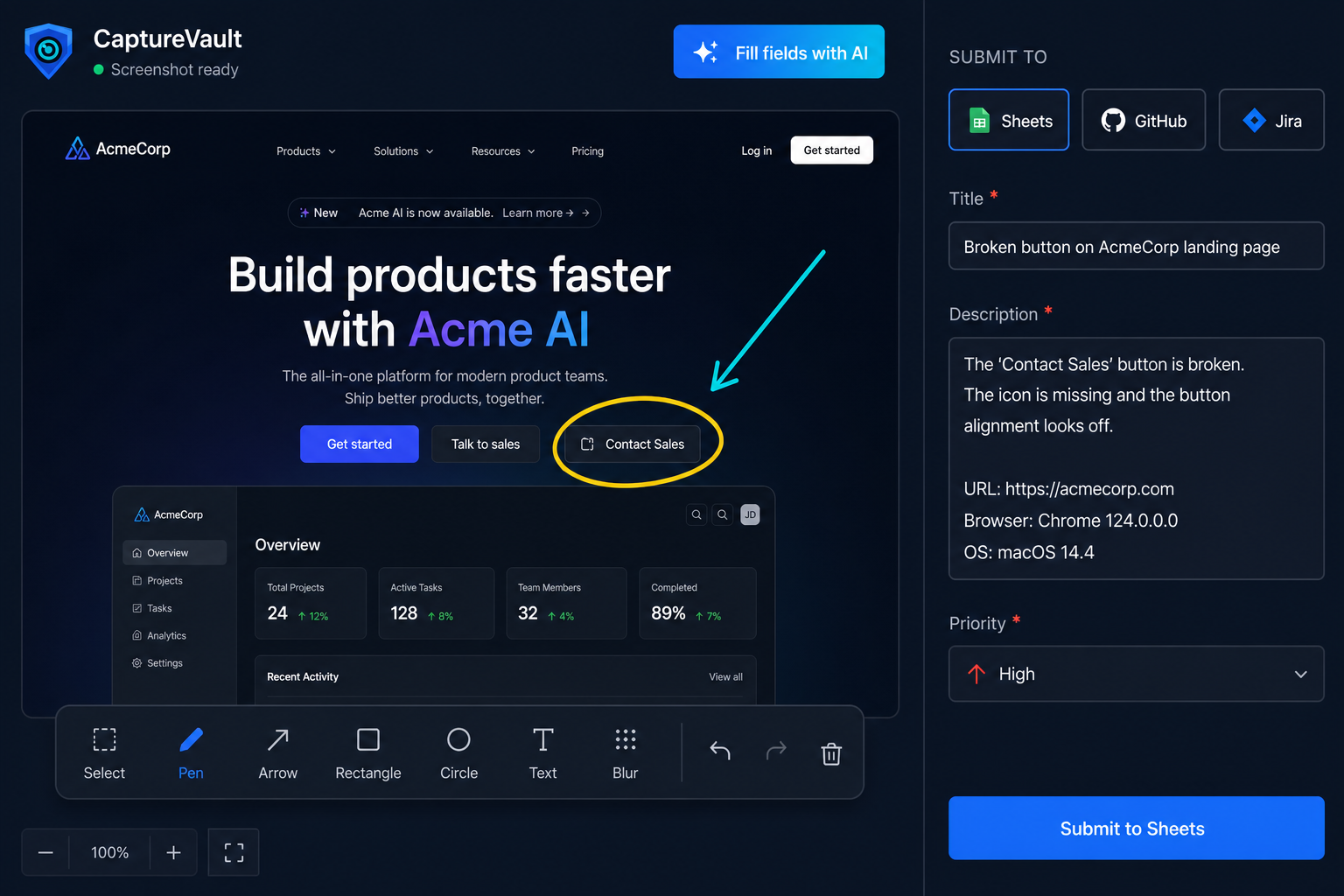
Mark the bug with arrows, blur, text, and comments — then CaptureVault AI drafts your report fields from the annotated screenshot.
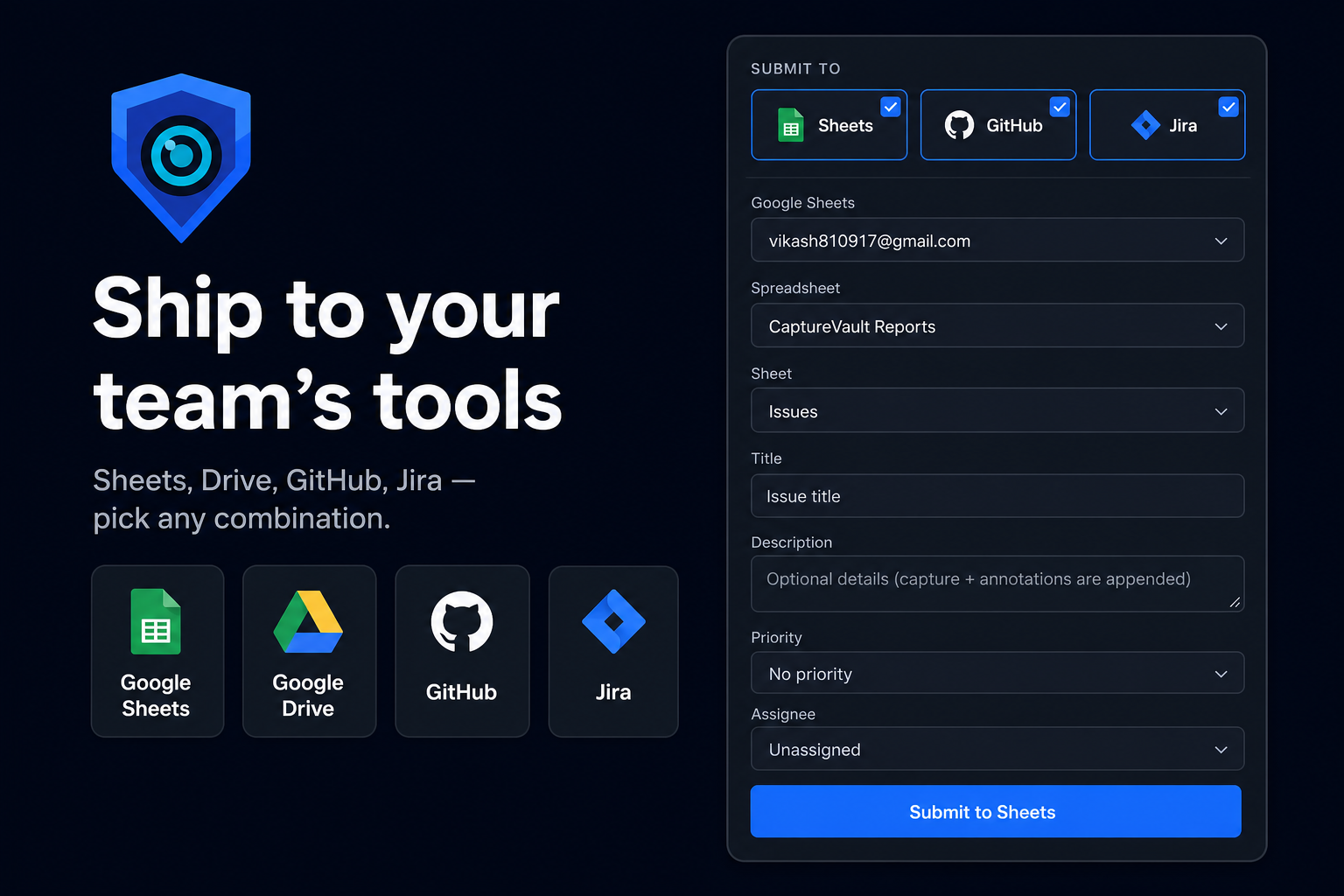
Upload to Drive, log structured rows in Sheets, or create issues in GitHub and Jira — pick any combination per capture.
CaptureVault is a bridge between you and the platforms you already trust. We don’t view, collect, save, or sell your screenshots, recordings, or report contents.
Screenshots, recordings, and annotations stay on your device until you submit them.
CaptureVault connects you to Drive, Sheets, GitHub, or Jira — destinations you choose.
We don’t store or share your capture content. Your report data goes only where you send it.
QA, product, and engineering teams use CaptureVault to file clearer bugs in fewer clicks.
Capturing a bug, annotating it, and logging it to Sheets is finally one continuous motion. CaptureVault cut our reporting busywork in half.

Sara Haddad
QA Lead

CaptureVault replaced a messy stack of screenshot tools, Drive uploads, and manual issue writing. My team ships clearer reports without leaving the browser — and AI fill drafts the fields for us.
Kenji Nakamura
Engineering Manager
We send captures straight to GitHub and Jira now. Context that used to get lost in Slack threads finally lands where engineering works.

Amara Okonkwo
Product Designer
The floating capsule is perfect for client work. I file bugs on my schedule with recordings attached — no rebuilding context later.

Daniel Ortiz
Freelance Developer
Everything you need to know about capturing, annotating, and shipping bug reports with CaptureVault. Still stuck? Just ask us.
No. CaptureVault is a bridge to your tools — we don’t view, collect, save, or sell your screenshots, recordings, or report contents as a media library. Captures go to destinations you choose. Settings stay in your browser. If you use AI fill, the screenshot is processed only to draft field suggestions, not kept as your stored content.
4.9/5 from early users
Capture. Annotate. AI-fill. Ship to the tools your team already uses — without CaptureVault storing your captures.
Add to Chrome – It's FreeShip to
Privacy-first bridge
We don’t view, save, or sell your screenshots and recordings.